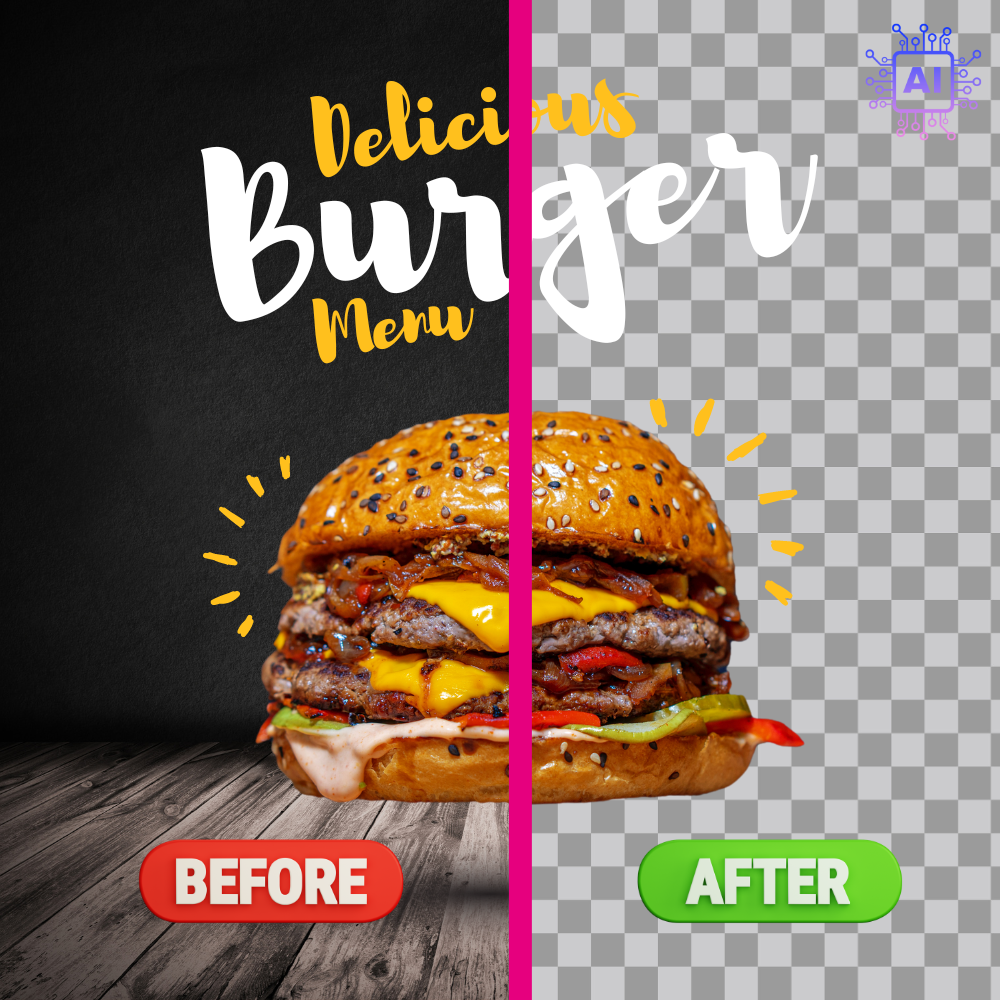














































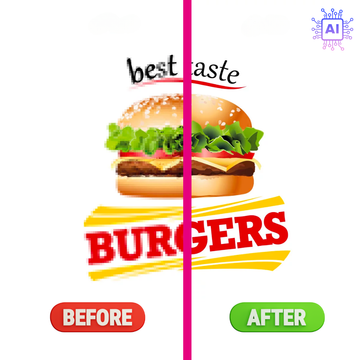
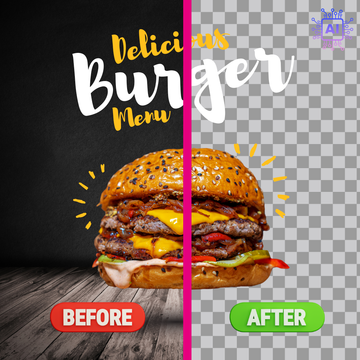


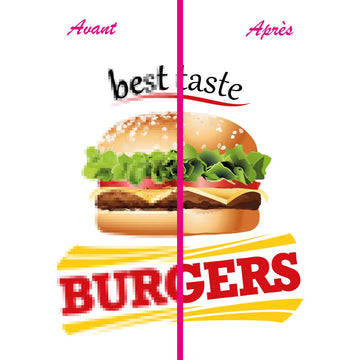



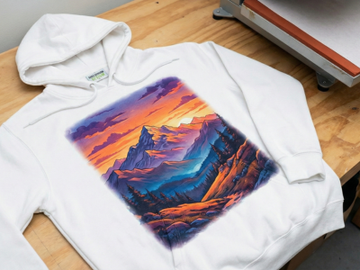











Automatic deletion
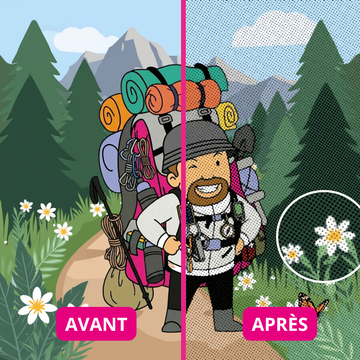
AI detects the subject and removes the background without manual editing in Photoshop.

AI tool for DTF transfer
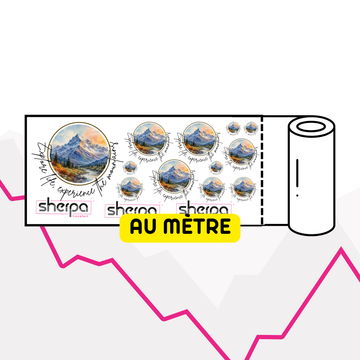
Import your logo or image, let AI automatically remove the background, and download a transparent PNG ready for DTF printing or the amalgam editor.
Vous n'avez plus de crédits. Acheter des crédits
Merci de charger un fichier de moins de 2Mo
Tool features
This tool is designed for professionals who want to quickly prepare a file without background, without Photoshop and without wasting time before ordering.
AI detects the subject and removes the background without manual editing in Photoshop.
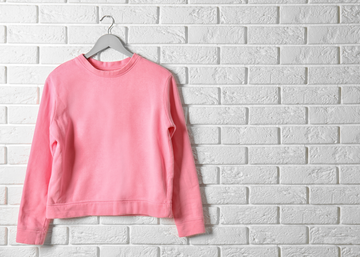
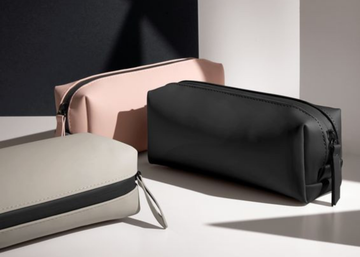
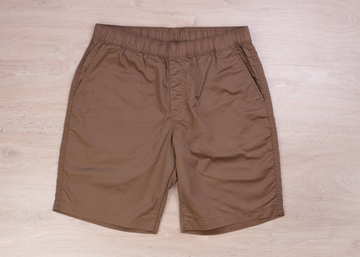
Prepare a logo, product photo or design before DTF printing or textile marking.
Download a clean PNG, ready to use directly in the merge editor or your order.
Log in to use your credits and download the processed file in one click.
Workflow
Before ordering
When your logo still has a white or colored background to remove.
When you prepare a product photo before DTF transfer.
When you want clean cutouts without graphic design software.
When you process multiple files before placing an order.
Frequently asked questions
AI background removal is included with a DTF logo order. Outside of an order, the tool uses your AI credits according to the displayed conditions.
You download a PNG with transparent background, ready to be used for printing or in the amalgam editor.
Input formats: PNG, JPG, JPEG, WebP and PDF (page 1, max. 20 MB). You then download a transparent PNG.
No. The tool works directly online from your browser, with no installation required.