

































































Logo Duplication
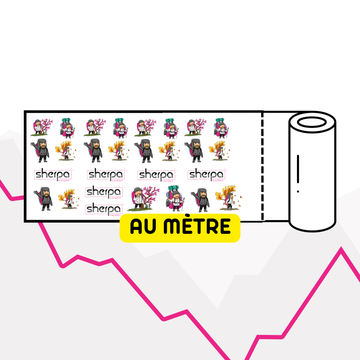
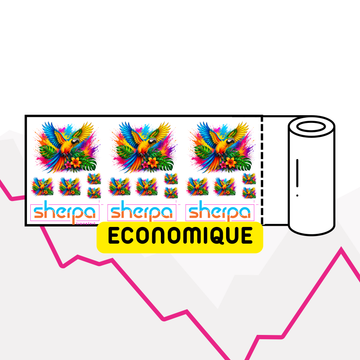
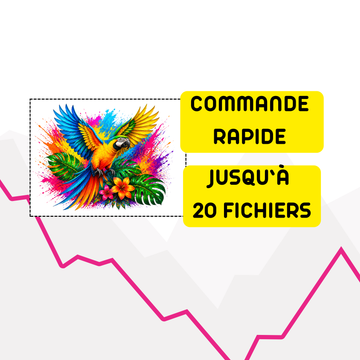
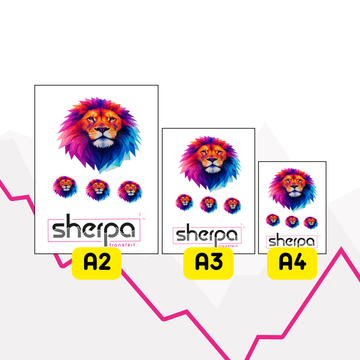
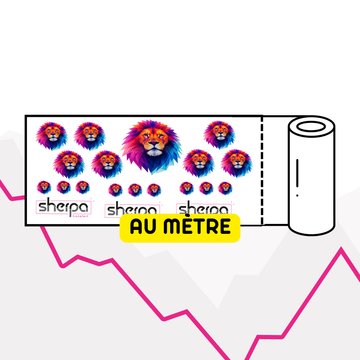
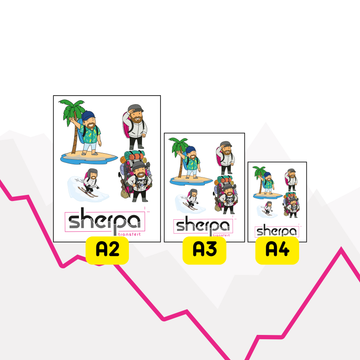
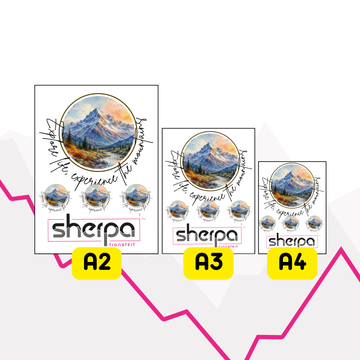
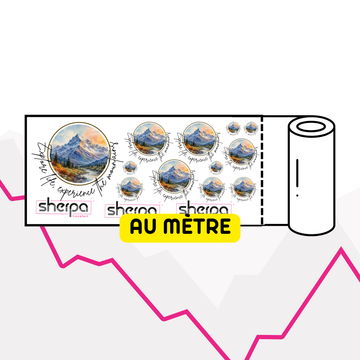
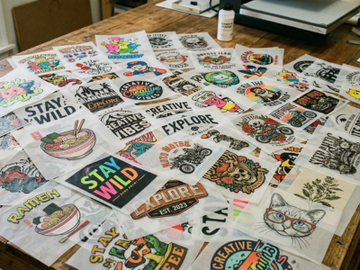
Duplicate a logo in one click to create multiple copies on the same board.

Pricing tool for DTF transfer
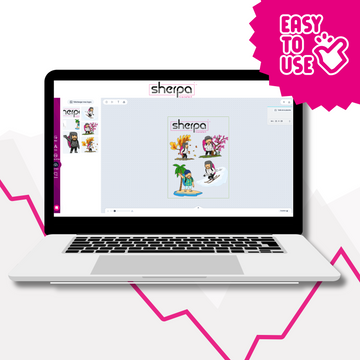
Import your logos, place them on a board, duplicate them, resize them, remove empty spaces, add text and export a high-resolution file ready to order.
Editor features
The editor is designed to quickly create a DTF print sheet, without graphic software and without losing usable space.
Duplicate a logo in one click to create multiple copies on the same board.
Adjust the size of your logos precisely to prepare your markings to the correct dimensions.
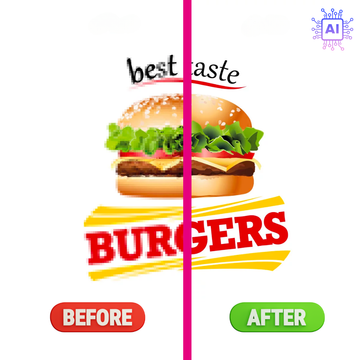
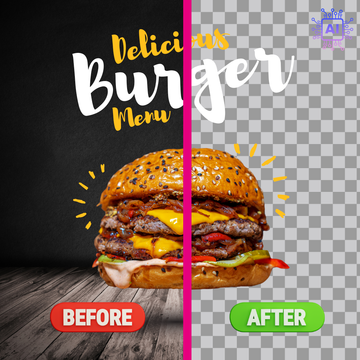
Clean up unnecessary margins around visuals to save space on the board.
Rotate your logos to optimize layout and make the best use of available space.
Let the editor organize elements automatically to create a more efficient sheet.
Add text directly in the editor to complete a sheet or prepare simple markings.
Download a clean file, ready to use for your DTF transfer order.
Workflow
Before ordering
When you have multiple logos to group on the same sheet.
When you want to optimize the cost of a DTF transfer order.
When you're preparing restocks, small batches, or product tests.
When you prefer to design your file yourself before production.
Frequently asked questions
Credits are used for advanced editor actions and exports according to the conditions displayed in the tool. When you are logged in, your balance is displayed in the editor. If you don't have enough credits, the tool will offer you to purchase more before continuing.
The old Print App version is no longer displayed on this page. The main button launches the new composite editor.
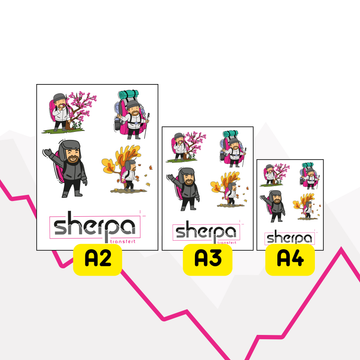
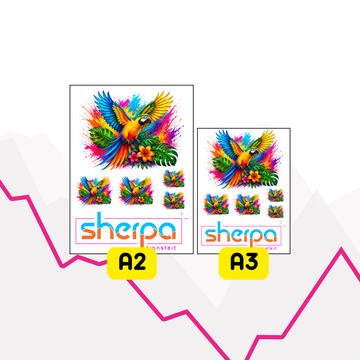
A composite sheet allows you to group multiple logos or markings on the same file to optimize DTF printing.
No. The editor works directly online from your browser.


