



















































Resolution and DPI
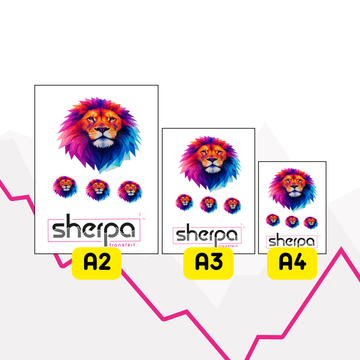
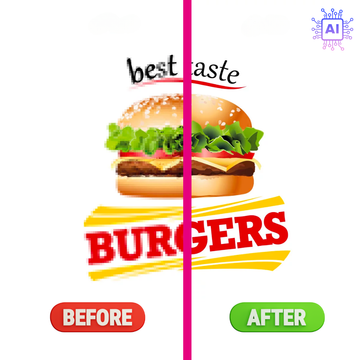
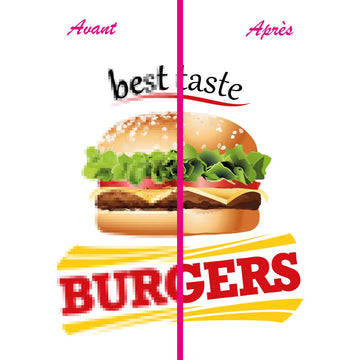
The file is compared to the requested print size to estimate whether the rendering may be sharp or pixelated.

File check service for textile marking
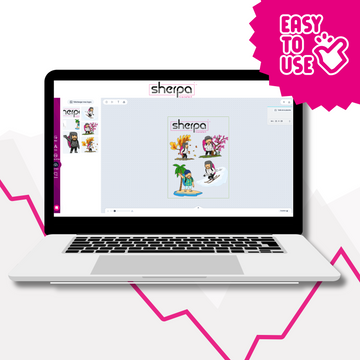
Upload your logo and get a clear diagnostic before production: resolution, background, transparency, fine details, and useful dimensions. The checker helps you spot issues that can create blurry rendering, a printed rectangle, or overly fragile details on a DTF transfer, sublimation transfer, screen print transfer, or patch.
Technical Analysis
A logo may look perfect on screen but cause problems once produced. The service checks the most common issues before a DTF transfer, sublimation transfer, screen print transfer or patch order.
The file is compared to the requested print size to estimate whether the rendering may be sharp or pixelated.
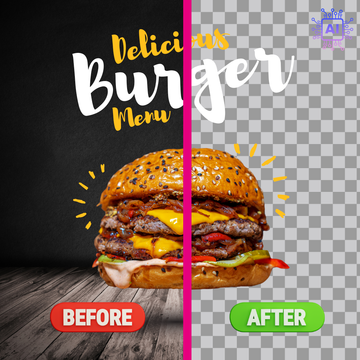
The diagnostic detects white, opaque or partial backgrounds that may print as a rectangle around the design.
Partially transparent pixels are flagged, as they can produce blurry or irregular edges depending on the marking technique.
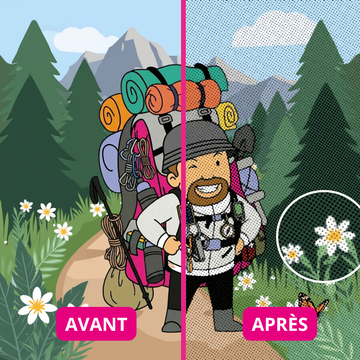
Very fine details are identified to anticipate risks of lack of sharpness, fragility, or poor readability.
Simple to use
Before ordering
Before your first textile logo production.
When a file comes from a customer and its quality is uncertain.
Before ordering a DTF transfer, sublimation transfer, screen print transfer or patch.
When the logo contains small details, gradients, a white background or complex transparency.
Frequently asked questions
No. It provides automatic diagnostics and recommendations. For advanced corrections or significant concerns, verification by a graphic designer is still recommended.
The checker accepts the main formats used for logos: PNG, JPG, WebP, SVG, PDF, and Illustrator AI files.
Yes, after analysis, the service can generate a PDF report summarizing the points checked and recommendations.
The PDF report and certain actions may use credits. When you are logged in, your balance is displayed in the tool. If you don't have enough credits left, a link allows you to purchase more before continuing.
Ce téléchargement va consommer 1 jeton IA.


